
UOU Student One View Portal for Application Status and Support Services
UOU students can check their application status and profile details by entering their Reference Number, Date of Birth, and Email on the online portal. Various other student services are available on the UOU Student Corner.
- UOU students can check application status and profile details online.
- Access to UOU profile requires Reference No., Date of Birth, and Email.
- The UOU Student Corner offers various online forms for student services.
- Students can update their ABC ID and DEB ID through specific UOU links.
- UOU provides a support ticket system for student queries and grievances.
Jump to
At a glance
| Portal for application status and profile | Online Application Status |
|---|---|
| Required for profile search | Reference No., Date of Birth, Email |
| UOU Toll-Free number | 18001804025 |
| UOU Admission helpline | 05946286002 |
| UOU Exam helpline | +91-5946286022 |
| UOU helpline working hours | 10am – 5pm, Monday – Saturday |
How to check UOU application status and profile details?
UOU students can check their application status and profile information on the Online Application Status page. This portal is for both new applicants and already enrolled students.
You will need your Reference Number, Date of Birth, and a valid Email ID to search for your details.
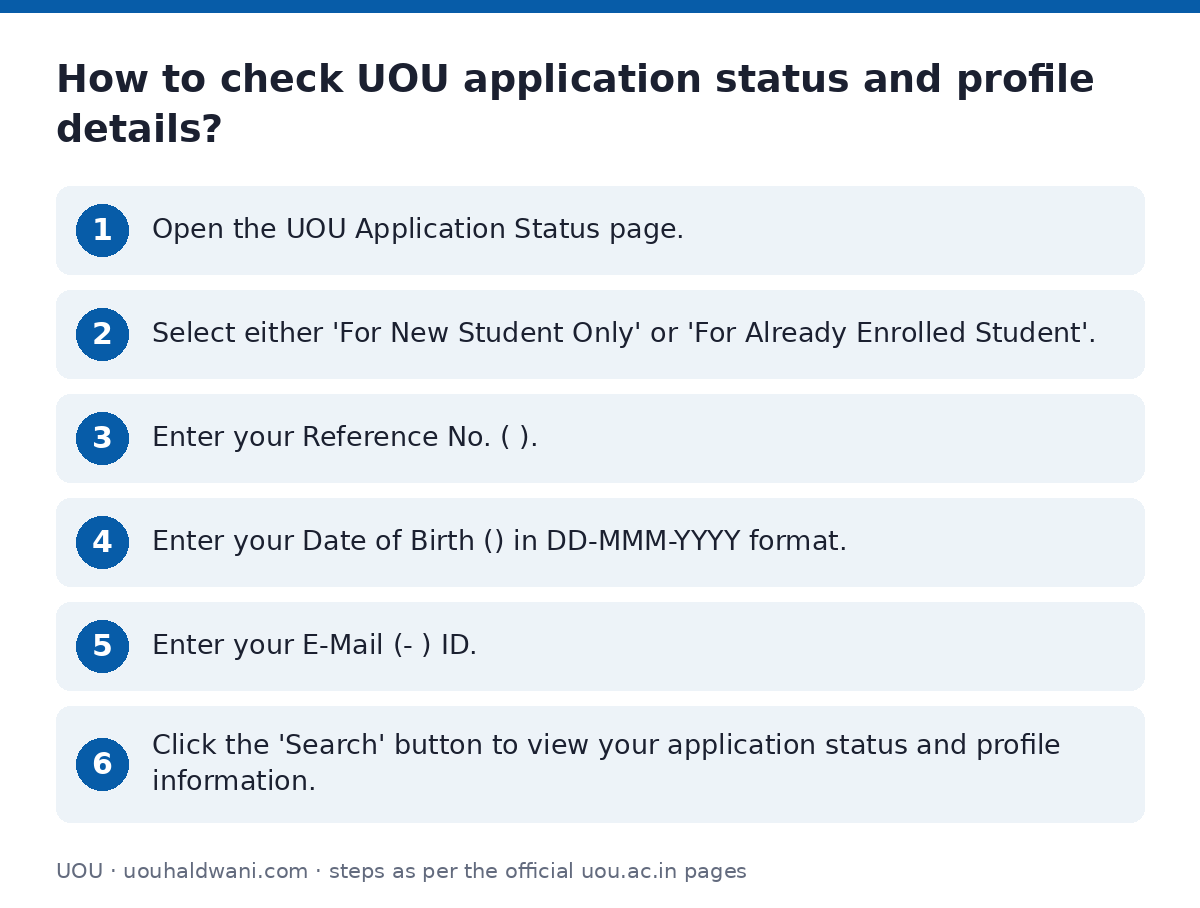
- Open the UOU Application Status page.
- Select either ‘For New Student Only’ or ‘For Already Enrolled Student’.
- Enter your Reference No..
- Enter your Date of Birth in DD-MMM-YYYY format.
- Enter your E-Mail ID.
- Click the ‘Search’ button to view your application status and profile information.
What services are available on the UOU Student Corner?
The UOU Student Corner provides access to various online forms and services for students. These services cover different aspects of a student’s academic journey at Uttarakhand Open University.
- APPLICATION STATUS
- Study Center Change
- ID
- Apply for NOC and PDC
- Apply for Scrutiny
- Apply for Fee Refund
- Download BONAFIDE/Medium of Instruction BONAFIDE
- Apply for Printed Books
- Student Information Change
- Examination City Change
- Download Acknowledgement
- DOWNLOAD PDC
- Apply For BONAFIDE/Medium of Instruction BONAFIDE
- Student Programme Change
- Apply for Lateral Entry Form
- Online Correction Form
How to update UOU ABC ID?
UOU students can update their Academic Bank of Credits (ABC) ID through a dedicated online link. This process helps link your academic records with the ABC system.
You can also find tutorials on how to create your ABC ID on the application status page.
- Visit the UOU Update ABC ID Link page.
- Follow the instructions provided to update your ABC ID.
How to update UOU DEB ID?
UOU students can update their Distance Education Bureau (DEB) ID using the specific online link provided by the university.
- Access the UOU Update DEB ID Link page.
- Follow the instructions to update your DEB ID.
How to open a UOU support ticket?
UOU students can open a new support ticket to raise queries or grievances related to various university services. This system allows you to track the status of your ticket.
You will need to provide your contact information and select a help topic to submit a ticket.
- Go to the UOU Support Ticket System.
- Fill in your Email Address, Full Name, Enrollment No., Phone Number, and City/Town/Village.
- Select a ‘Help Topic’ from the dropdown list, such as Admissions, Examinations, Book Distribution, or General.
- Enter the CAPTCHA text shown on the image.
- Click the ‘Create Ticket’ button to submit your request.
What are UOU’s student support contact numbers?
Uttarakhand Open University provides various contact numbers for different student support services. These helplines are available from 10 AM to 5 PM, Monday to Saturday.
UOU Student Support Contact Numbers
| Service | Contact Number |
|---|---|
| Toll Free | 18001804025 |
| Admission | 05946286002 |
| Exam | +91-5946286022 |
| Books | +91-5946286001 |
| Others | +91-5946286000 |
Useful UOU pages
| What you can do | Official page |
|---|---|
| check application status and profile | online.uou.ac.in/OnlineApplicationStatus.aspx |
| access student corner online forms | online.uou.ac.in/StudentCorner.aspx |
| update ABC ID | online.uou.ac.in/SA_UpdateABCID.aspx |
| update DEB ID | online.uou.ac.in/SA_UpdateDEBID.aspx |
| open a new support ticket | support.uou.ac.in/open.php |
| view UOU contact details | uou.ac.in/contact |