
UOU Result: How to Check Grade Card and Marks
Uttarakhand Open University (UOU) publishes term-end examination results, back paper marks, improvement results, and entrance exam scorecards online. Students can view their marks and download grade card statements by entering their enrollment number and date of birth on the official result portal. Online applications for answer script scrutiny are also available for eligible exam sessions.
Key facts
| Result Portal | UOU Student Information System (results.uou.ac.in) |
|---|---|
| Examination Types | Regular, Back Paper, and Improvement Paper |
| Required Login Details | Enrollment Number and Date of Birth |
| Revaluation Service | Online Scrutiny Application Form |
| Transcript Sessions | 2018-19 Summer to June 2026 |
How to Check UOU Main, Back, and Improvement Results
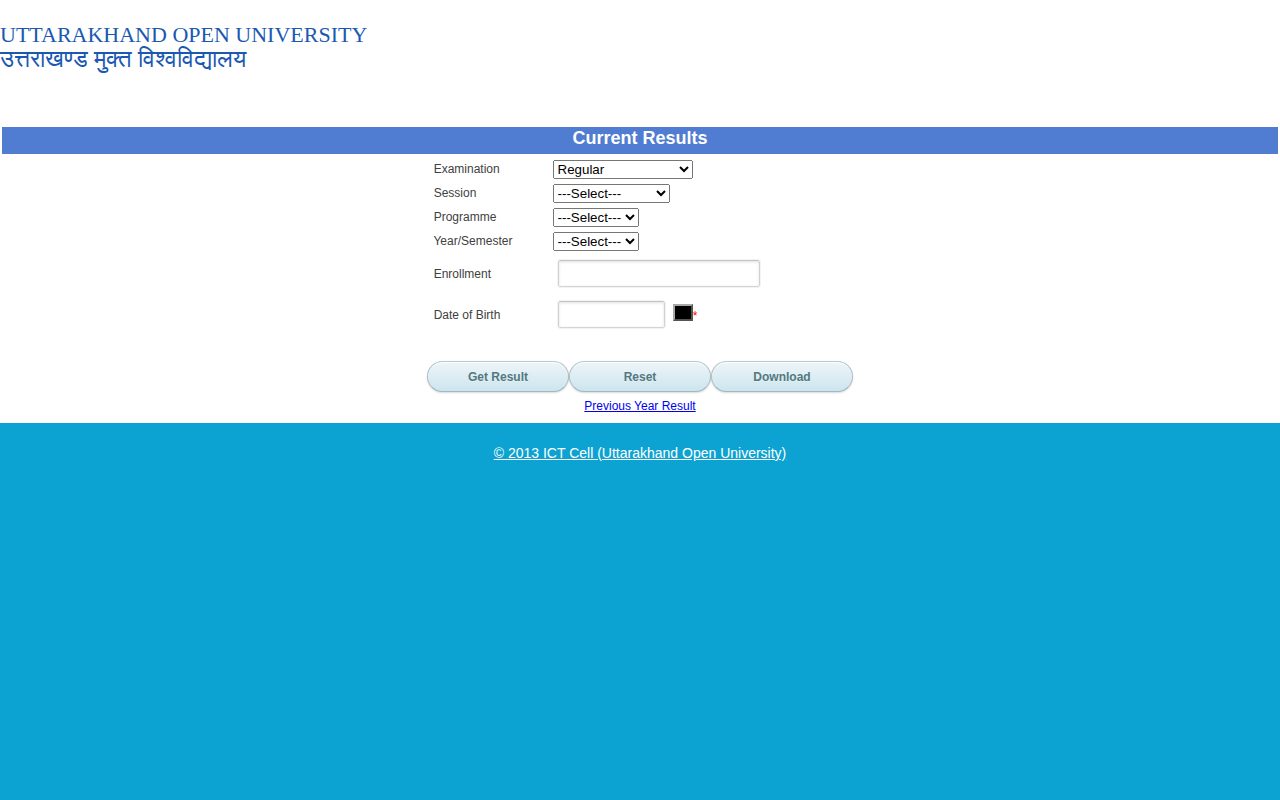
Uttarakhand Open University provides an online result portal to check term-end examination marks for regular, back paper, and improvement examinations. Students enrolled in undergraduate, postgraduate, diploma, and certificate programmes can view and download their results directly from the university system.
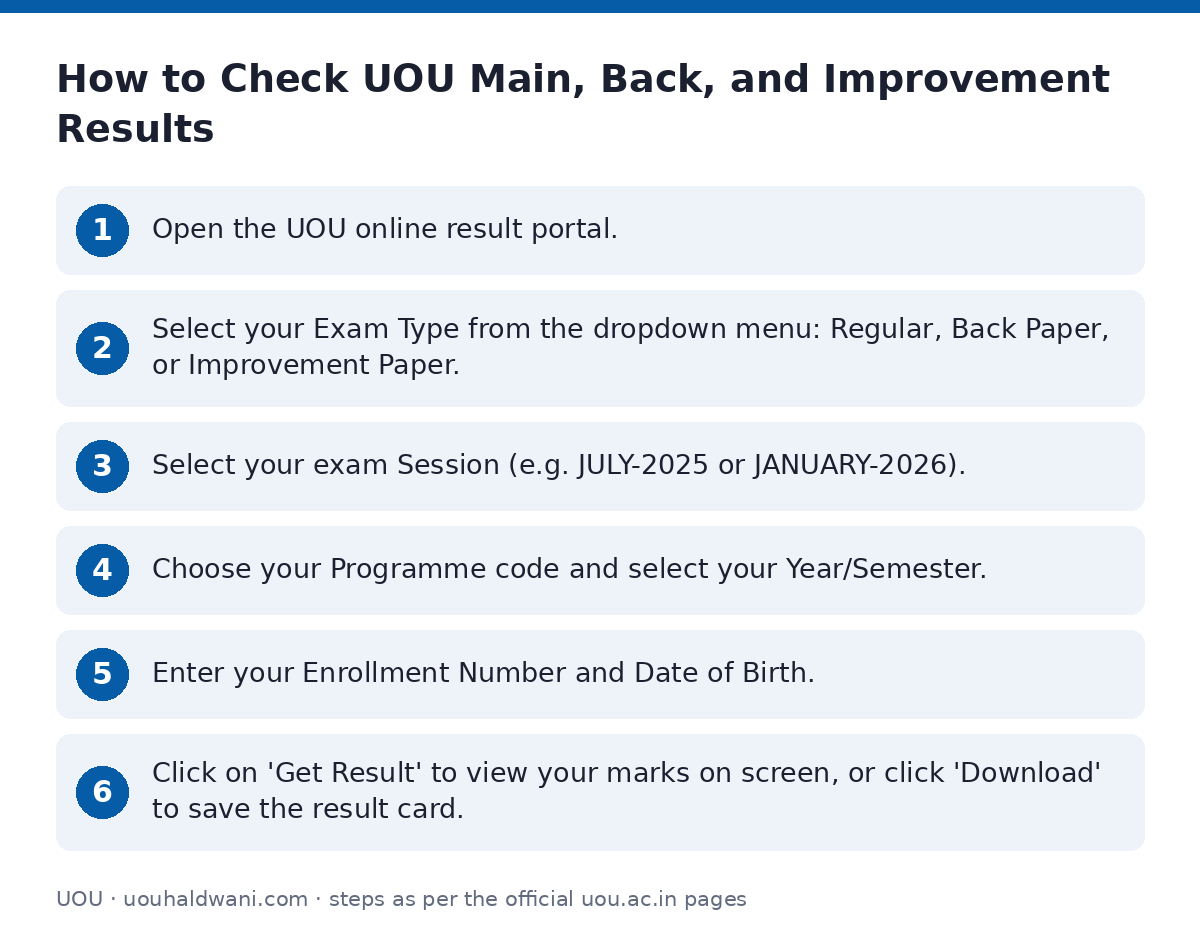
- Open the UOU online result portal.
- Select your Exam Type from the dropdown menu: Regular, Back Paper, or Improvement Paper.
- Select your exam Session (e.g. JULY-2025 or JANUARY-2026).
- Choose your Programme code and select your Year/Semester.
- Enter your Enrollment Number and Date of Birth.
- Click on ‘Get Result’ to view your marks on screen, or click ‘Download’ to save the result card.
Downloading Official Transcript and Grade Card
Students requiring official transcripts or cumulative mark statements across previous academic sessions can generate them online. The transcript portal covers exam sessions from 2018-19 Summer through June 2026.
- Visit the UOU transcript download page.
- Select your examination Session from the dropdown menu (e.g. JUNE-2024, DEC-2025, or JUNE-2026).
- Select your enrolled Programme code.
- Submit the form to view and print your transcript statement.
Applying for Exam Marks Scrutiny (Revaluation)
If a candidate wishes to request a re-checking of their answer scripts for term-end examinations, UOU accepts online applications for scrutiny. For instance, scrutiny applications were opened for the June-2026 examination session.
- Go to the UOU scrutiny application page.
- Enter your Enrollment Number.
- Select your Date of Birth using the calendar tool.
- Choose your Programme code from the dropdown list.
- Proceed to submit your scrutiny request.
Published Main Examination Results (April 2026)
UOU publishes session-wise result announcement dates on its portal. Students can cross-check when main examination results for their specific programme were released. UOU has not published specific numerical pass percentage statistics on its site as of 02 October 2026.
Select Main Exam Results Published in April 2026
| Programme Code & Name | Year / Semester | Publish Date |
|---|---|---|
| BA-16 / BA-17 Bachelor of Arts | 3-Year | 23 Apr 2026 |
| BA-17 Bachelor of Arts | 2-Year | 29 Apr 2026 |
| BCOM-17 Bachelor of Commerce | 3-Year | 07 Apr 2026 |
| BCOM-17 Bachelor of Commerce | 2-Year | 12 Apr 2026 |
| BBA-17 Bachelor of Business Administration | 6-Semester | 14 Apr 2026 |
| BCA-17 Bachelor of Computer Applications | 6-Semester | 16 Apr 2026 |
| MAEC-17 Master of Arts (Economics) | 2-Year | 25 Apr 2026 |
| MSW-17 Master of Social Work | 4-Semester | 20 Apr 2026 |
| BLIS-21 Bachelor of Library & Information Science | 1-Semester / 2-Semester | 26 Mar 2026 |
Published Back Examination Results (April 2026)
Students who appeared in backlog paper examinations can check their status on the UOU back results page. Below are sample publication dates for back paper examinations released in April 2026.
Select Back Examination Results Published in April 2026
| Programme Code & Name | Year / Semester | Publish Date |
|---|---|---|
| MAHI-10 M.A. History | 1-Year | 30 Apr 2026 |
| MAPS-10 M.A. Political Science | 2-Year | 27 Apr 2026 |
| BA-12 / BA-16 Bachelor of Arts | 3-Year | 23 Apr 2026 |
| BCOM-16 Bachelor of Commerce | 3-Year | 18 Apr 2026 / 30 Apr 2026 |
| MBA-13 / MBA-16 / MBA-17 Master of Business Administration | 4-Semester | 18 Apr 2026 |
| MSCBOT-13 Master of Science in Botany | 1-Year | 29 Apr 2026 |
Entrance Examination Results (B.Ed 2026)
Entrance examination results for professional programmes like B.Ed (ODL) and B.Ed (Special Education) are published as candidate score merit lists in PDF format.
- Check the B.Ed ODL Entrance Result 2026 PDF for the roll numbers and names of candidates qualified for B.Ed (ODL) admission counselling.
- Check the B.Ed Special Education Entrance Result 2026 PDF for candidate lists and entrance scores for the July 2026 session.
Important UOU links
| What you can do | Official page |
|---|---|
| Check UOU regular and back exam results | results.uou.ac.in/ |
| Apply online for June 2026 exam scrutiny | online.uou.ac.in/SE_Scrutiny.aspx |
| View UOU main examination result publication list | uou.ac.in/results-main?sid=31 |
| Download official UOU marksheet or transcript | results.uou.ac.in/TransScriptResults.aspx |
| View UOU back examination result publication list | uou.ac.in/results-back |
Official documents (PDF)
- Result B.Ed (ODL) Entrance 2026 PDF — Result list for B.Ed (ODL) Entrance Exam 2026
- Result B.Ed (Special) Entrance 2026 PDF — Result list for B.Ed (Special Education) Entrance Exam 2026
Frequently asked questions
What details do I need to check my UOU examination result online?
You need your Exam Type (Regular, Back Paper, or Improvement Paper), Session, Programme code, Year or Semester, Enrollment Number, and Date of Birth to check your result on the UOU portal.
How can I apply for scrutiny of my UOU answer marks?
You can fill out the online Scrutiny Application Form by entering your Enrollment Number, Date of Birth, and selecting your Programme code during an active scrutiny submission period.
Where can I download my cumulative grade card or transcript statement?
You can download transcript statements from the UOU transcript portal by selecting your exam session (from 2018-19 Summer to June 2026) and choosing your Programme code.
How do I check B.Ed entrance exam results at UOU?
B.Ed (ODL) and B.Ed (Special Education) entrance examination results are published as downloadable PDF merit lists containing candidate names and roll numbers on the official university announcements page.
Sources
Written from the official UOU pages and documents below, as read on 2 October 2026.
- UOU | Uttarakhand Open University uou.ac.in
- NEW Download Results for July 2026 Exam results.uou.ac.in
- NEW Apply for Scrutiny for June-2026 Exam online.uou.ac.in/…/SE_Scrutiny.aspx
- Results (Main Examination) uou.ac.in/…/results-main
- Results (Back Examination) uou.ac.in/…/results-back
- Download Transcript/MarkSheet results.uou.ac.in/…/TransScriptResults.aspx
- Result B.Ed (ODL) Entrance 2026 uou.ac.in/…/R-BED_ODL-26.pdf
- Result B.Ed (Special) Entrance 2026 uou.ac.in/…/R-BED-SPECIAL-26.pdf