
UOU Back Assignment Submission Process and Rules (December 2026 Session)
Part of UOU Assignments: UOU Online Assignment Dates, Cover Page Format and Portal Rules
UOU distance learners appearing in the DEC-2026 exam session must submit back assignments online through the official portal. Candidates get a maximum of two attempts per course code using their enrollment number and date of birth as credentials. Open the UOU online assignment portal to complete your pending online tests before the session deadline.
UOU evaluates online assignments through 20 objective questions with 4 options per course code. Candidates receive a 60-minute duration per test, after which open quizzes submit automatically. UOU permits a maximum of 2 attempts per course code, considering the highest grade earned. Second assignment attempts deduct 10% marks, awarding only 90% of the score achieved. Students failing 2 assignment attempts become eligible for the UOU back paper option.
Jump to
- UOU Alerts & Notifications
- UOU back assignment schedule: DEC-2026 exam session notice
- UOU online assignment pattern: 20 MCQs and 60 minutes duration
- UOU online assignment portal: evaluation rules and credentials
- UOU online back assignment submission: step by step portal process
- UOU assignment cover page: details and required fields
- UOU assignment portal login error: helpdesk email resolution
- UOU DEC-2026 back assignment: checking eligible papers on portal
- UOU Assignments: official portals and documents
- Questions about UOU Assignments
Uttarakhand Open University (UOU), also known as Uttarakhand Mukta Vishwavidyalaya, conducts online assignments for distance learners across undergraduate, postgraduate, and diploma programmes. For the DEC-2026 exam session, candidates who failed to pass regular assignments within two attempts receive a back paper option.
At a glance
- Exam Session
- DEC-2026 Exam Session
- Assignment Mode
- Online Multiple Choice Test
- Total Questions
- 20 Objective Questions
- Test Duration
- 60 Minutes (1 Hour)
- Allowed Attempts
- Maximum 2 Attempts per Course
- Portal Username
- Student Enrollment Number
- Portal Password
- Date of Birth (YYYYMMDD)
- Helpdesk Support
- 05946-286000 / assignment@uou.ac.in
UOU back assignment schedule: DEC-2026 exam session notice
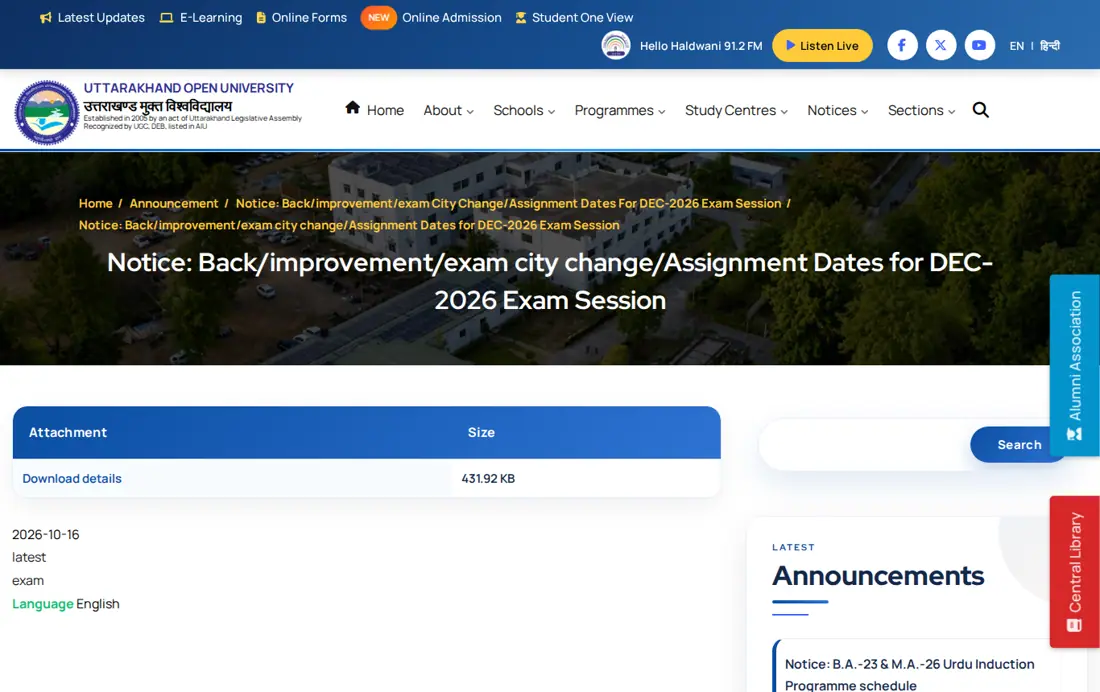
Uttarakhand Open University issued an official announcement covering back, improvement, exam city change, and assignment dates for the DEC-2026 exam session. Students enrolled in annual and semester programmes can access the notice details on the UOU DEC-2026 exam announcement page.
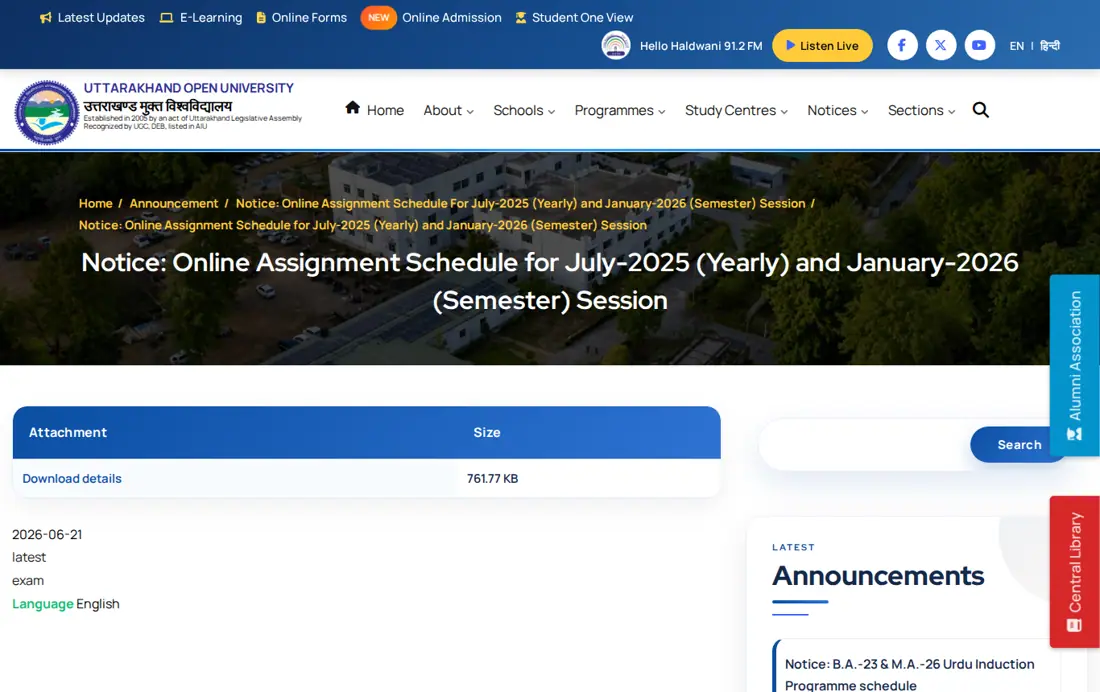
The university also manages assignment schedules for July-2025 yearly session and January-2026 semester session learners through its online portal. Candidates should verify their enrolled course codes on the UOU online assignment schedule notice before starting tests.
UOU online assignment pattern: 20 MCQs and 60 minutes duration
UOU online assignments consist of 20 objective multiple-choice questions per course code with a total duration of 60 minutes. Questions are categorized into 6 simple, 7 moderate, and 7 difficult items across all subject papers.
Each question carries 1 mark, or half a mark when the total assignment allocation equals 10 marks. Candidates who fail both available attempts become eligible for the UOU back assignment paper option.
Students receive up to 2 attempts per course code, but taking a second attempt caps marks at 90% of the score achieved. Open quizzes submit automatically after 60 minutes even if internet connectivity drops.
UOU online assignment portal: evaluation rules and credentials
The UOU online assignment portal requires specific credentials and adheres to strict evaluation guidelines across all distance courses. Candidates can review key submission parameters in the summary table below.
UOU Online Assignment Portal Rules
| Parameter | Official Rule or Detail |
|---|---|
| Exam Format | 20 Multiple Choice Questions (4 options) |
| Test Duration | 60 Minutes (Auto-submits after 1 hour) |
| Maximum Attempts | 2 Attempts per Course Code |
| Second Attempt Benefit | 90% of Marks Obtained in 2nd Attempt |
| Portal Username | Student Enrollment Number |
| Portal Password | Date of Birth in YYYYMMDD format |
| Helpdesk Email | assignment@uou.ac.in |
Other UOU services students check
UOU online back assignment submission: step by step portal process
Students must follow a step-by-step procedure to attempt and submit their back assignments on the official UOU portal. Candidates must ensure active internet connectivity before starting any 60-minute test session.
- Open the official UOU online assignment page and review the instructional video provided on screen.
- Click on the UOU assignment portal login button to open the login window.
- Enter your official UOU Enrollment Number in the username field.
- Enter your Date of Birth in YYYYMMDD format (e.g., 19800123 for 23 January 1980) as your password.
- Select the relevant back assignment course code from your dashboard and launch the quiz.
- Answer all 20 objective questions within 60 minutes and click submit before time expires.
UOU assignment cover page: details and required fields
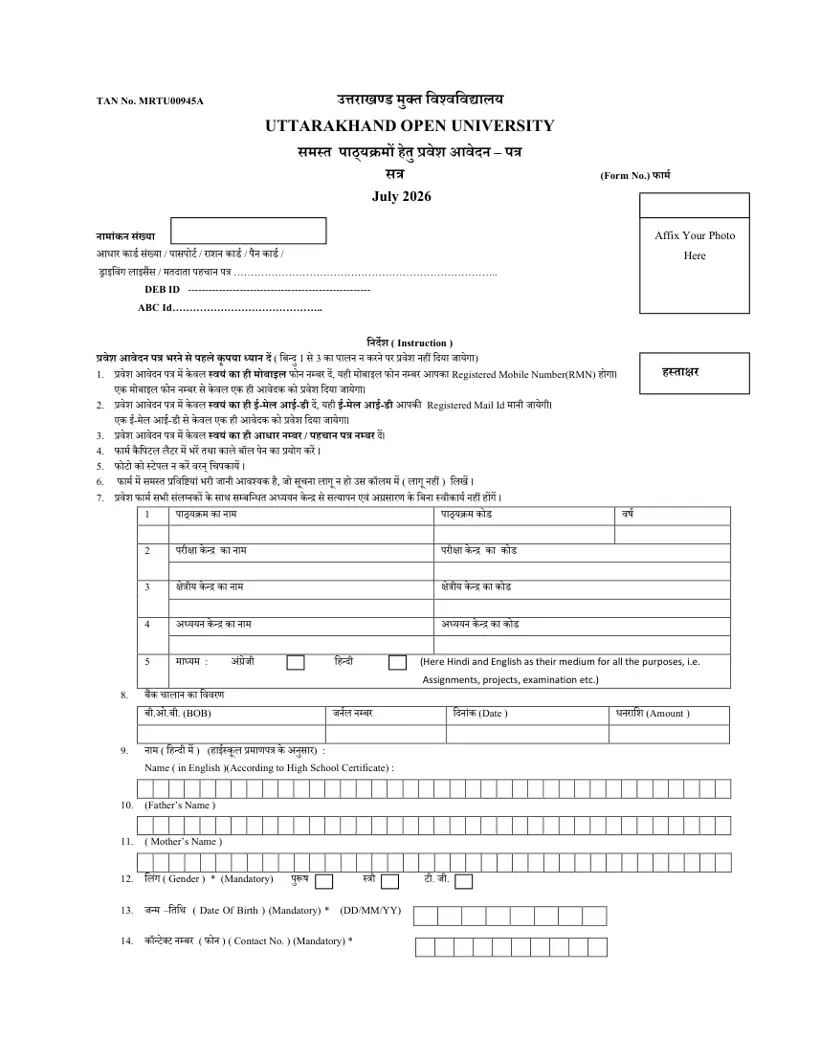
UOU prescribes a standardized cover page layout for offline assignments, projects, and practical submissions across annual and semester programmes. Candidates can download the official format from the UOU assignment cover page sample PDF.
- Year, Session, and Semester
- Programme Name and Programme Code
- Course Code and Course Title
- Total Marks and Marks Obtained
- Student Name and Enrollment Number
- Study Center Code and Study Center Name
- University or College Name
- Submission Date and Examiner Signature
UOU assignment portal login error: helpdesk email resolution
Students encountering login failures or missing course codes on the portal must submit a technical grievance to the university helpdesk. Issues are typically resolved within 24 to 48 hours during working days.
Send an email containing your Enrollment Number, Name, Date of Birth, and Program Code to assignment@uou.ac.in. Alternatively, call the UOU support helpline at 05946-286000 between 10 AM and 5 PM on working days.
UOU DEC-2026 back assignment: checking eligible papers on portal
Candidates preparing for the DEC-2026 exam session should log into the portal immediately to check eligible back assignment papers. Completing pending online tests before session deadlines prevents delays in term-end examination results.
Questions about UOU Assignments
What is the format of UOU back assignments?
UOU back assignments are conducted online as objective multiple-choice tests comprising 20 questions with 4 options per course code. The test includes 6 simple, 7 moderate, and 7 difficult questions to be completed within a time limit of 60 minutes. Students appearing in the DEC-2026 exam session must log into the portal at uou.ac.in to launch and complete their pending course tests. If your internet disconnects during an active session, open tests will submit automatically after 60 minutes.
How many attempts are allowed for UOU online assignments?
UOU permits a maximum of 2 attempts for each course code on the online assignment portal. The university evaluates student performance by considering the highest grade obtained, but taking a second attempt awards only 90% of the marks earned. Distance learners preparing for the DEC-2026 exam session must log into www.uou.ac.in using their official enrollment number to launch tests. If a candidate fails both available attempts, they become eligible for the back paper option.
What is the password format for UOU assignment portal login?
The password format for UOU assignment portal login is your Date of Birth written in YYYYMMDD format. For instance, a birth date of 23 January 1980 translates to password 19800123, while your username is your official enrollment number. Candidates attempting tests for the DEC-2026 exam session enter these credentials on the online portal at uou.ac.in. If login fails or your enrolled paper is missing, email your details to assignment@uou.ac.in for resolution within 24 to 48 hours.
What happens if I fail both attempts of a UOU assignment?
If a student fails to pass after utilizing both 2 online assignment attempts, UOU provides a back paper option. This provision allows candidates across undergraduate, postgraduate, and diploma courses to re-apply and clear pending subject papers. Distance learners must register for back assignments following the DEC-2026 exam session notice published at uou.ac.in. Submitting back paper applications on the portal before the session deadline ensures your term-end exam results are not delayed.
What should I do if my course code is not showing on the UOU assignment portal?
If your course code is not showing on the portal, email your Enrollment Number, Name, Date of Birth, and Program Code to assignment@uou.ac.in. The UOU technical helpdesk processes submitted student details to resolve portal login and course display errors within 24 to 48 hours. Candidates preparing for the DEC-2026 exam session should check their course dashboard on uou.ac.in. If technical issues persist, call the helpline at 05946-286000 during working days between 10 AM and 5 PM.
What details are required on the UOU assignment cover page?
The UOU assignment cover page requires Year, Session, Semester, Programme Name, Programme Code, Course Code, Course Title, Total Marks, Marks Obtained, Student Name, Enrollment Number, Study Center Code, Study Center Name, University Name, Submission Date, and Examiner Signature. This standard format applies to offline assignment submissions across annual and semester courses. Students can download the cover page template PDF directly from uou.ac.in. Make sure all entered study center details match your official records to avoid submission errors.
How are marks calculated if a UOU assignment is out of 10 marks?
When a UOU online assignment carries a total of 10 marks, each of the 20 objective questions is evaluated at 0.5 marks. For standard assignment papers, each question carries 1 full mark. Students submitting tests for the DEC-2026 exam session must complete their 20 multiple-choice questions on the portal at uou.ac.in. If you do not manually click submit within 60 minutes, the portal automatically submits your test and calculates marks obtained.
What were the submission dates for UOU summer 2026 online assignments?
UOU opened the online assignment portal link on www.uou.ac.in from 22.06.2026 to 31.07.2026 for 24×7 submission. This schedule applied to Summer Exam 2026 students under Session 2025-26 summer yearly, Session 2025-26 winter semester, and back assignment candidates. Distance learners logged in using their enrollment number to complete 60-minute objective tests before the portal closed. Candidates missing this window must submit back assignments under the DEC-2026 exam session notice.
How is the UOU two-part assignment evaluation scheme structured?
Starting from the 2023-24 session, UOU evaluates assignments through Assignment First with 15 questions at 1 mark each and Assignment Second with 10 questions at 1.5 marks each. Candidates must mandatorily attempt both assignment parts for every enrolled course code. Distance learners submitting back assignments for the DEC-2026 exam session access both test sections on www.uou.ac.in. Failing to complete both assignment parts results in incomplete internal assessment marks in your official term-end grade sheet.
How can students contact the UOU helpdesk for assignment technical issues?
UOU provides technical assignment support through email at assignment@uou.ac.in and telephone helpline at 05946-286000. Phone assistance operates on working days between 10 AM and 5 PM for resolving login failures and portal errors. Candidates appearing in the DEC-2026 exam session can report missing course codes by emailing their Enrollment Number, Name, Date of Birth, and Program Code. The technical team reviews queries and updates student access within 24 to 48 hours.
What happens if internet disconnects during a UOU online assignment attempt?
If your internet connection drops during an active UOU online assignment attempt, any open test will automatically submit after 60 minutes. The portal calculates your score based on all objective questions answered prior to disconnection. Distance learners preparing for the DEC-2026 exam session must ensure stable internet connectivity before launching test quizzes on www.uou.ac.in. If technical glitches prevent successful submission, email your enrollment details to assignment@uou.ac.in within 24 to 48 hours.
Which student batches are eligible to attempt UOU online assignments for the 2026 examinations?
Online assignments are available for Summer Exam 2026 candidates under Session 2025-26 summer yearly, Session 2025-26 winter semester, and back assignment students. Eligible distance learners must log into www.uou.ac.in using their enrollment number and password to complete their objective tests. Candidates appearing in the DEC-2026 exam session must complete eligible pending back papers before the announced session deadlines. If your enrolled paper is not visible on the portal dashboard, email your details to assignment@uou.ac.in.
What is the step-by-step process to complete back assignments on the UOU portal?
Students must log into www.uou.ac.in by entering their official enrollment number as username and date of birth in YYYYMMDD format as password. After logging in, select the specific back assignment course code from the dashboard and launch the online test quiz. Candidates must complete 20 objective multiple-choice questions within the allotted 60-minute duration and click submit. If login fails or technical errors occur during submission, report the issue to assignment@uou.ac.in for resolution.
Where can distance learners watch the instructional guidance before starting a UOU online assignment quiz?
Students can watch the instructional video directly on the UOU online assignment portal at uou.ac.in before launching their test quiz. Reviewing these instructions ensures candidates understand portal rules, time limits, and submission protocols for the DEC-2026 exam session. Distance learners must log in using their enrollment number and date of birth in YYYYMMDD format. If video playback or portal loading fails, contact the technical helpdesk at assignment@uou.ac.in for assistance.
How does UOU handle online assignment submissions if a student fails to manually submit before the 60-minute duration ends?
The UOU assignment portal automatically submits any open online test quiz once the allotted 60-minute time limit expires. This automatic submission process applies to all candidates in the DEC-2026 exam session, even if their internet connection drops during the test. Distance learners must ensure stable connectivity before accessing their course quizzes on www.uou.ac.in using their enrollment credentials. If an auto-submitted attempt displays incorrect marks due to system errors, email assignment@uou.ac.in for technical review.
How does UOU calculate marks if a candidate takes a second attempt on the online assignment portal?
UOU evaluates second attempts on the online assignment portal by awarding 90% of marks earned in that attempt while considering the highest grade overall. This condition applies to all distance learners completing online tests for the DEC-2026 exam session. Students can log into www.uou.ac.in using their enrollment number and date of birth in YYYYMMDD format to launch their second attempt. If portal scores fail to update properly, email your enrollment details to assignment@uou.ac.in for resolution.
UOU Assignments: official portals and documents
- check online assignment schedule noticeuou.ac.in ↗
- view DEC-2026 exam session announcementuou.ac.in ↗
- access UOU online assignment portaluou.ac.in ↗
- log into online assignment portaluou.ac.in ↗
- Assignment Cover Page Sample PDF — UOU sample assignment cover page format PDF
More on Assignments