
UOU Student Login, Student One View, ABC ID and DEB ID Portal
UOU student login requires a username and password via the main university website. The Student One View portal offers services like ID card printing and application status. An Indian mobile number is mandatory for UOU ABC ID and DEB ID creation. Students can update their ABC ID and apply for exam city changes online. UOU has not published specific troubleshooting steps for login or payment issues.
Jump to
- UOU Student Login: Portal and Credentials
- UOU Student One View: Available Services
- How to Access UOU Student One View?
- UOU ABC ID: Creation and Linking
- How to Update Your ABC ID on UOU Portal?
- UOU DEB ID: Purpose and Requirement
- UOU ID Card: Printing Your Student Identity
- How to Print Your UOU ID Card?
- UOU Application Status: Tracking Your Admission
- How to Check Your UOU Application Status?
- UOU Exam City Change: December 2026 Session
- How to Apply for UOU Exam City Change?
- UOU Student Information Change: Updating Personal Details
- UOU ID & Login: official portals and documents
- Questions about UOU ID & Login
Uttarakhand Open University (UOU) provides distance learners with a dedicated student portal for managing academic activities. This portal allows students to access their records, update personal information, and apply for various services. Understanding the login process and the role of IDs like Academic Bank of Credits (ABC ID) and Distance Education Bureau Identification (DEB ID) is crucial for all enrolled and prospective students.
UOU Student Login: Portal and Credentials
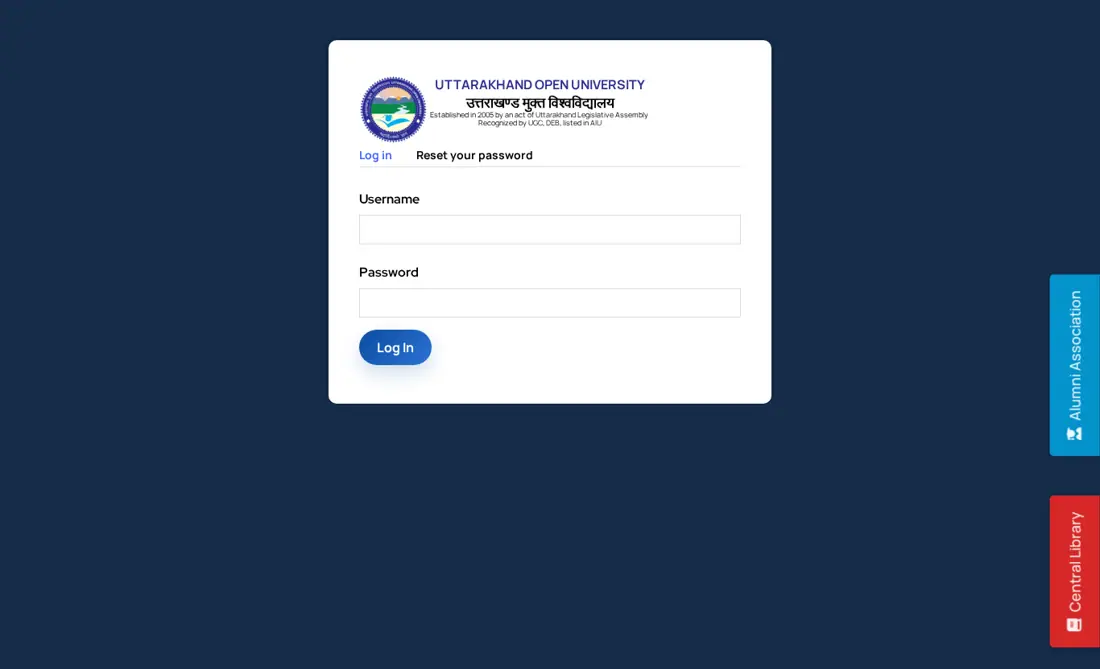
UOU students access their academic accounts through the university’s official login portal. This secure gateway requires a unique username and password for authentication. Students should use their assigned credentials to manage their profile and access various services.
- Navigate to the UOU student login page.
- Enter your ‘Username’ in the designated field.
- Enter your ‘Password’ in the respective field.
- Click the ‘Log in’ button to proceed to your student dashboard.
At a glance
- Login Portal
- uou.ac.in/user/login
- Student Services Portal
- online.uou.ac.in/StudentCorner.aspx
- ABC ID Update Portal
- online.uou.ac.in/SA_UpdateABCID.aspx
- DEB ID Requirement
- Indian mobile number mandatory for creation
- Exam City Change Session
- December 2026
- Application Status Portal
- online.uou.ac.in/OnlineApplicationStatus.aspx
UOU Student One View: Available Services
The UOU Student One View, accessible via the Student Corner, provides a centralized hub for various student services. This portal allows students to manage their academic journey efficiently from one location. It offers functionalities ranging from application tracking to certificate requests.
- Application Status/Re-Print
- Study Center Change
- ID-Card Print
- Apply for NOC and PDC
- Apply for Scrutiny
- Apply for Fee Refund
- Download Bonafide/Medium of Instruction (BONAFIDE
- Apply for Printed Books
- Student Information Change
- Examination City Change
- Download Acknowledgement
- Download PDC/NOC
- Apply for Bonafide/Medium of Instruction (BONAFIDE
- Student Programme Change
- Apply for Lateral Entry Form
- Online Correction form
How to Access UOU Student One View?
Students can access the comprehensive Student One View portal through the UOU online admission system. This portal consolidates various services, enabling students to perform multiple academic tasks. It serves as a primary interface for managing student-related information and applications.
- Visit the UOU Student Corner page.
- Locate and select the desired service link from the list provided on the page.
- Follow the specific instructions for the chosen service, which may require login or application details.
Other UOU services students check
UOU ABC ID: Creation and Linking
The Academic Bank of Credits (ABC ID) is a crucial identification for UOU students, and an Indian mobile number is mandatory for its creation. Students can update or create their ABC ID through a dedicated link on the university’s online application status page. This ensures proper academic credit management.
How to Update Your ABC ID on UOU Portal?
UOU provides an online facility for students to update their Academic Bank of Credits (ABC ID). This process is essential for maintaining accurate academic records and ensuring proper credit transfer. Students should follow the steps to link their existing ABC ID or create a new one.
- Go to the UOU Update ABC ID Link.
- The page provides options to ‘Update Your ABC Id’ or ‘To Create ABC Id Click Here’.
- Follow the on-screen instructions, which may involve providing personal details or an existing ABC ID.
UOU DEB ID: Purpose and Requirement
The Distance Education Bureau (DEB) ID is another important identifier for UOU students, particularly where applicable for specific programs or regulations. Similar to the ABC ID, an Indian mobile number is mandatory for its creation. The DEB ID helps in tracking student enrollment under distance education guidelines.
UOU ID Card: Printing Your Student Identity
UOU students can print their official identity cards directly from the Student Corner portal. The ID card serves as proof of enrollment and is essential for various university-related activities. This online facility ensures easy access to student identification.
How to Print Your UOU ID Card?
To obtain a physical copy of their student identity card, UOU students can utilize the ID-Card Print service available on the Student Corner. This process allows for convenient self-service printing of the official document. Ensure all personal details are accurate before printing.
- Navigate to the UOU Student Corner page.
- Click on the ‘ID-CARD PRINT’ link.
- Follow the instructions to retrieve and print your student ID card.
UOU Application Status: Tracking Your Admission
Prospective and enrolled UOU students can check their application status through the dedicated online portal. This service allows candidates to track the progress of their admission application or re-print their application form. It requires specific details for verification.
How to Check Your UOU Application Status?
To inquire about the status of an application or to re-print a submitted form, UOU candidates must use the online application status portal. This system caters to both new applicants and already enrolled students. Accurate entry of details is crucial for a successful search.
- Visit the UOU Application Status/Re-Print page.
- Select either ‘For New Student Only’ or ‘For Already Enrolled Student’.
- Enter your ‘Reference No.’.
- Provide your ‘Date of Birth’ in DD-MMM-YYYY format.
- Enter your ‘E-Mail’.
- Click the ‘Search’ button to view your application status.
UOU Exam City Change: December 2026 Session
UOU students can apply to change their examination city for the December 2026 session. This facility is available online, as announced on 28 November 2026. Students needing to modify their exam location should utilize this portal.
How to Apply for UOU Exam City Change?
UOU provides an online option for students to request a change in their examination city. This service is part of the Student Corner functionalities and is particularly relevant for the December 2026 examination session. Students should access the specific link to initiate the process.
- Go to the UOU Student Corner page.
- Click on the ‘EXAMINATION CITY CHANGE’ link.
- Follow the on-screen instructions to submit your request for a change in exam city.
UOU Student Information Change: Updating Personal Details
UOU offers an online facility for students to update their personal information, including details like name, address, or contact numbers. This service, found within the Student Corner, ensures that the university records are current. Maintaining updated information is important for all official communications.
Questions about UOU ID & Login
What is the UOU student login portal?
The UOU student login portal is uou.ac.in ↗, where students can enter their username and password. This portal allows access to personal academic records and various university services.
How can I check my UOU application status?
Students can check their UOU application status by visiting the UOU Application Status/Re-Print page. You will need to enter your reference number, date of birth, and email ID to retrieve the information.
What is the purpose of ABC ID in UOU?
The Academic Bank of Credits (ABC ID) is a crucial identifier for UOU students, and an Indian mobile number is mandatory for its creation. It helps in managing academic credits and is required for specific processes, as indicated for Nepali learners.
How do I update my ABC ID with UOU?
You can update your ABC ID by visiting the UOU Update ABC ID Link on the university’s online portal.
Is an Indian mobile number required for UOU IDs?
Yes, an Indian mobile number is mandatory for communication with UOU and for the creation of both the Academic Bank of Credits (ABC-ID) and Distance Education Bureau Identification (DEB-ID), wherever applicable.
Can I change my exam city for the December 2026 session?
Yes, UOU students can apply for an exam city change for the December 2026 examination session. This facility was announced on 28 November 2026 and is available through the Student Corner portal.
Where can I print my UOU ID card?
You can print your UOU ID card from the UOU Student Corner page. Look for the ‘ID-CARD PRINT’ link among the available services to access and print your student identity card.
What services are available on the UOU Student One View portal?
The UOU Student One View portal offers services such as checking application status, printing ID cards, applying for NOC/PDC, requesting fee refunds, and changing examination cities. It also allows for student information and program changes.
What is the official email ID for UOU communications?
Students are required to provide a valid personal email address for all official communications with UOU. For general administrative inquiries, the Registrar’s official email is registrar@uou.ac.in.
UOU ID & Login: official portals and documents
- UOU Student Corneruou.ac.in ↗
- UOU Online Formsonline.uou.ac.in ↗
- UOU Update ABC ID Linkonline.uou.ac.in ↗
- UOU Application Status/Re-Printonline.uou.ac.in ↗
- UOU Student Login Pageuou.ac.in ↗
- UOU Student Supportsupport.uou.ac.in ↗
- UOU Admission Process SOP for Nepali Learners 2026 PDF — UOU Admission Process SOP for Nepali Learners 2026
- UOU Administrative Contact Directory Prospectus July 2026 PDF — UOU Administrative Contact Directory Prospectus July 2026
In this section
- UOU Student One View Portal for Application Status and Support Services
- UOU Provisional Degree Download: Portal Application Process
- UOU Convocation Online Degree Application and Certificate Portal Steps
- UOU Name Correction Form: Offline Submission & July 2026 Rules
- UOU Degree Status Check and Online Application Steps
- Apply for and Download Your UOU Bonafide Certificate Online
Everything on UOU Student Services
ID & Login
- Apply for and Download Your UOU Bonafide Certificate Online
- UOU Student One View Portal for Application Status and Support Services
Certificates
- UOU Convocation Online Degree Application and Certificate Portal Steps
- UOU Degree Status Check and Online Application Steps
- UOU Provisional Degree Download: Portal Application Process